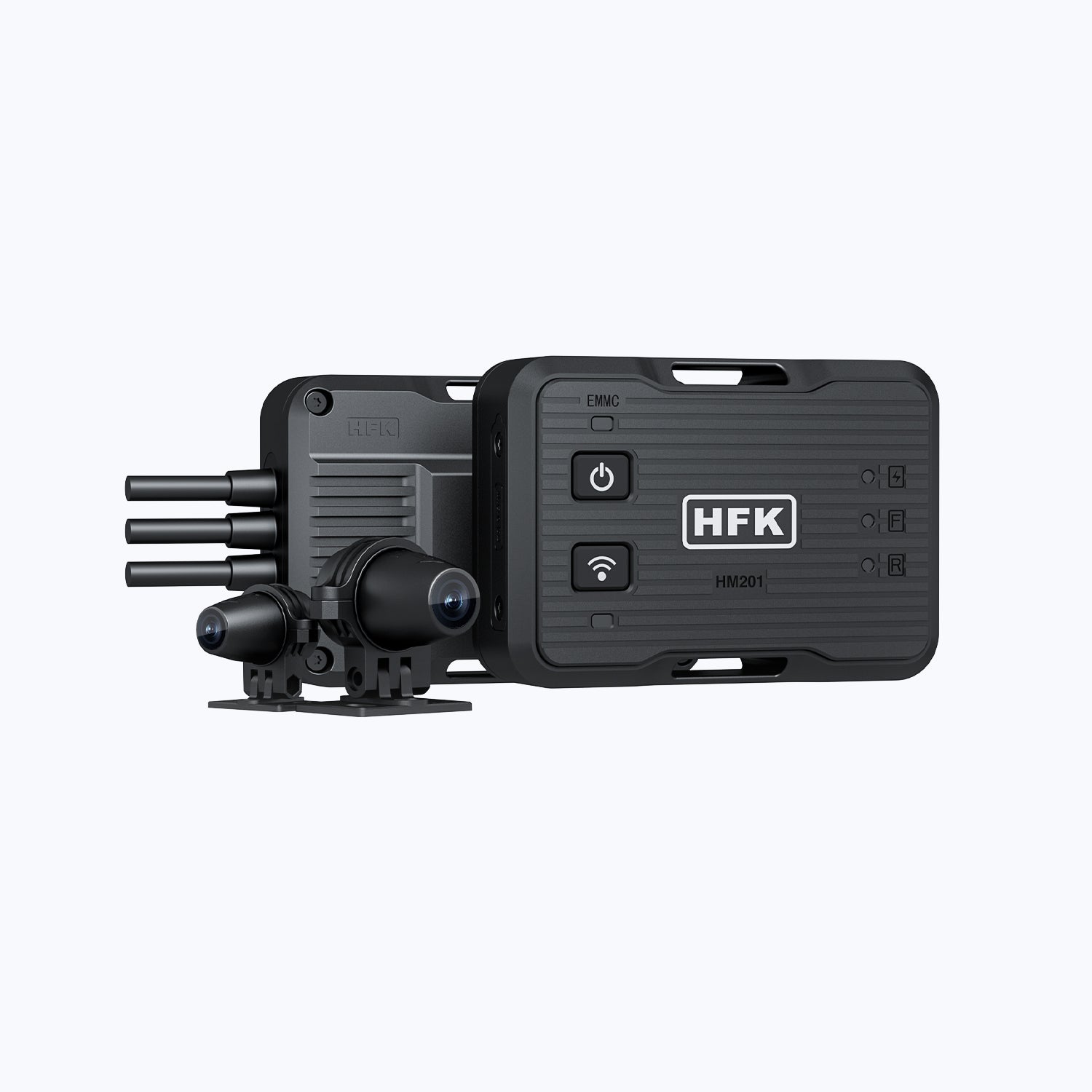
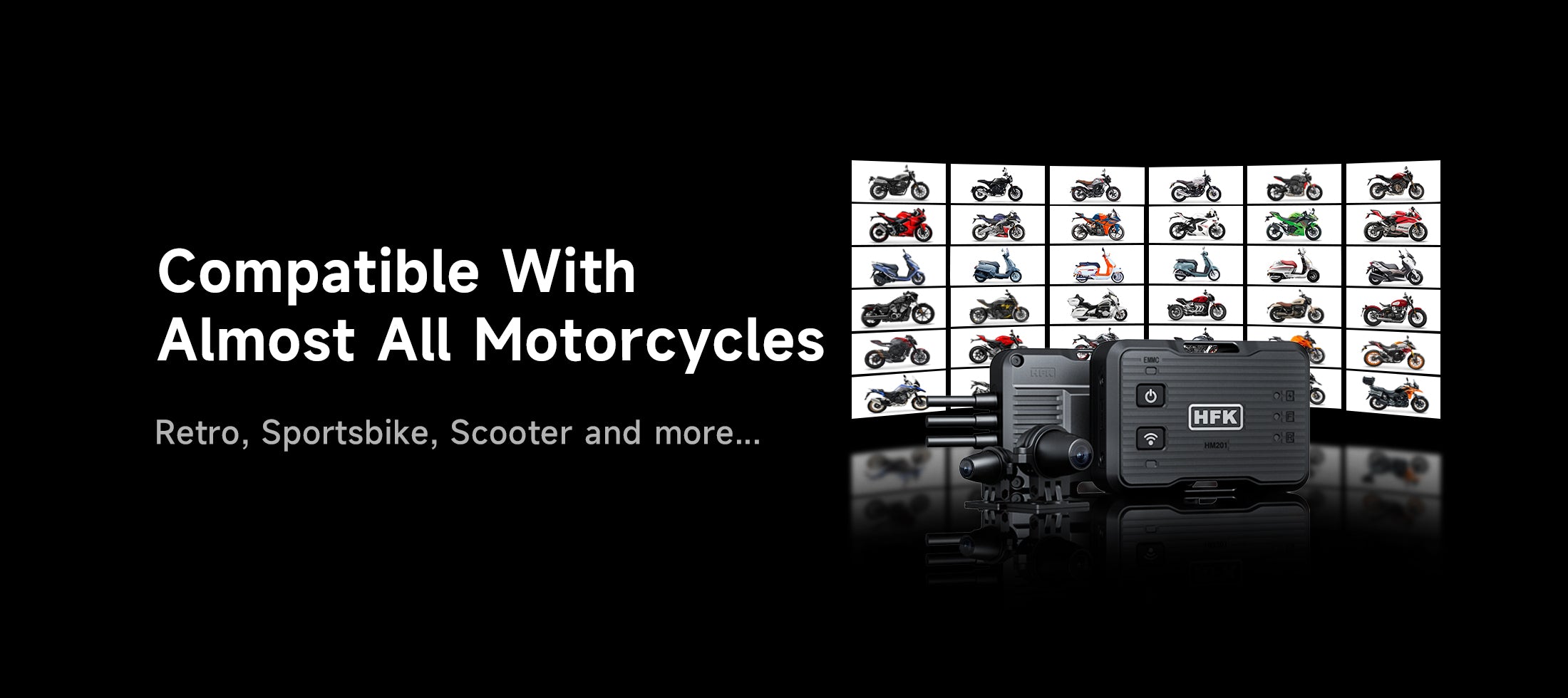
Caméra de tableau de bord pour moto dissimulée HFK HM201 - Caméra Full HD à double objectif avec vision nocturne
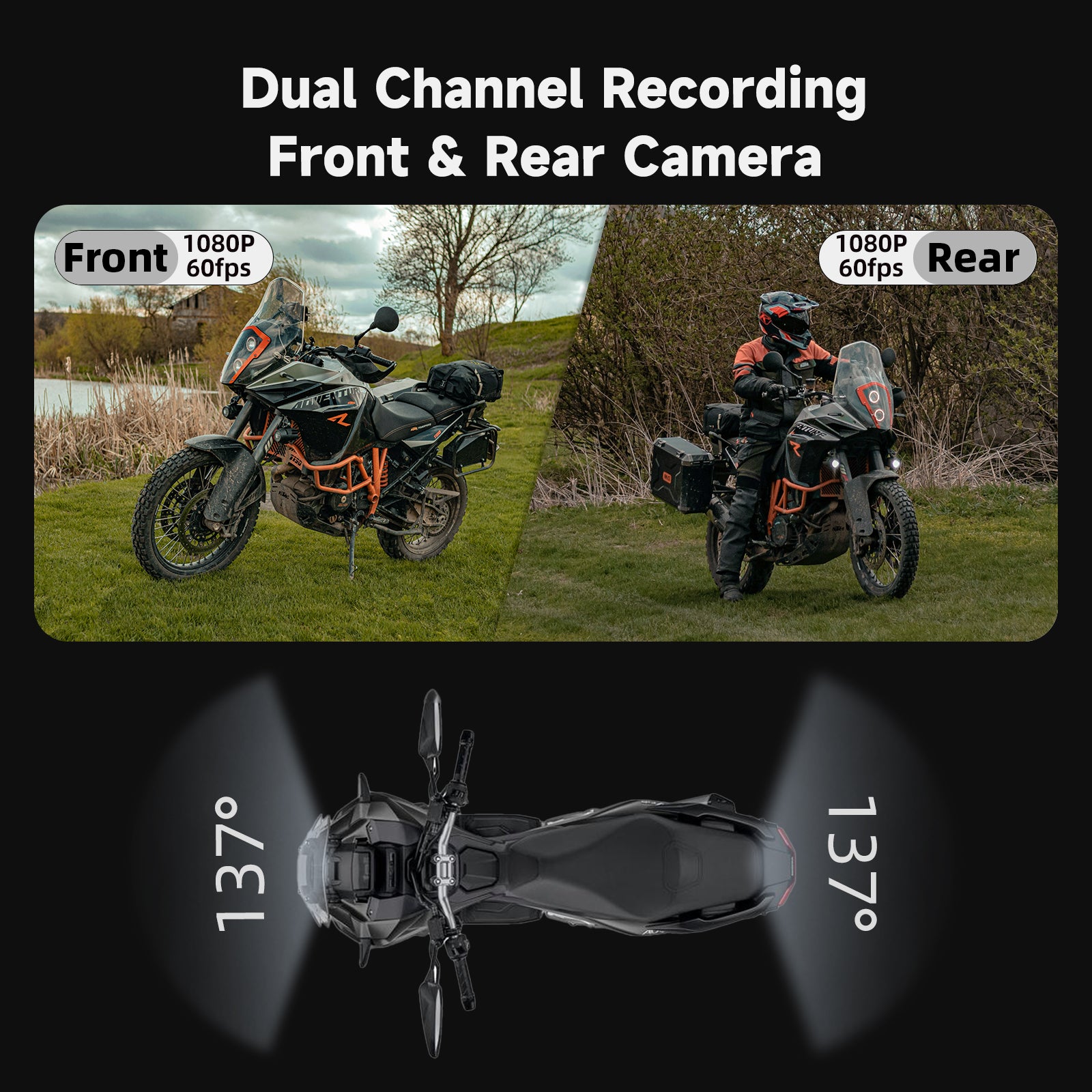
- Double enregistrement 1080P et visualisation grand angle 137°
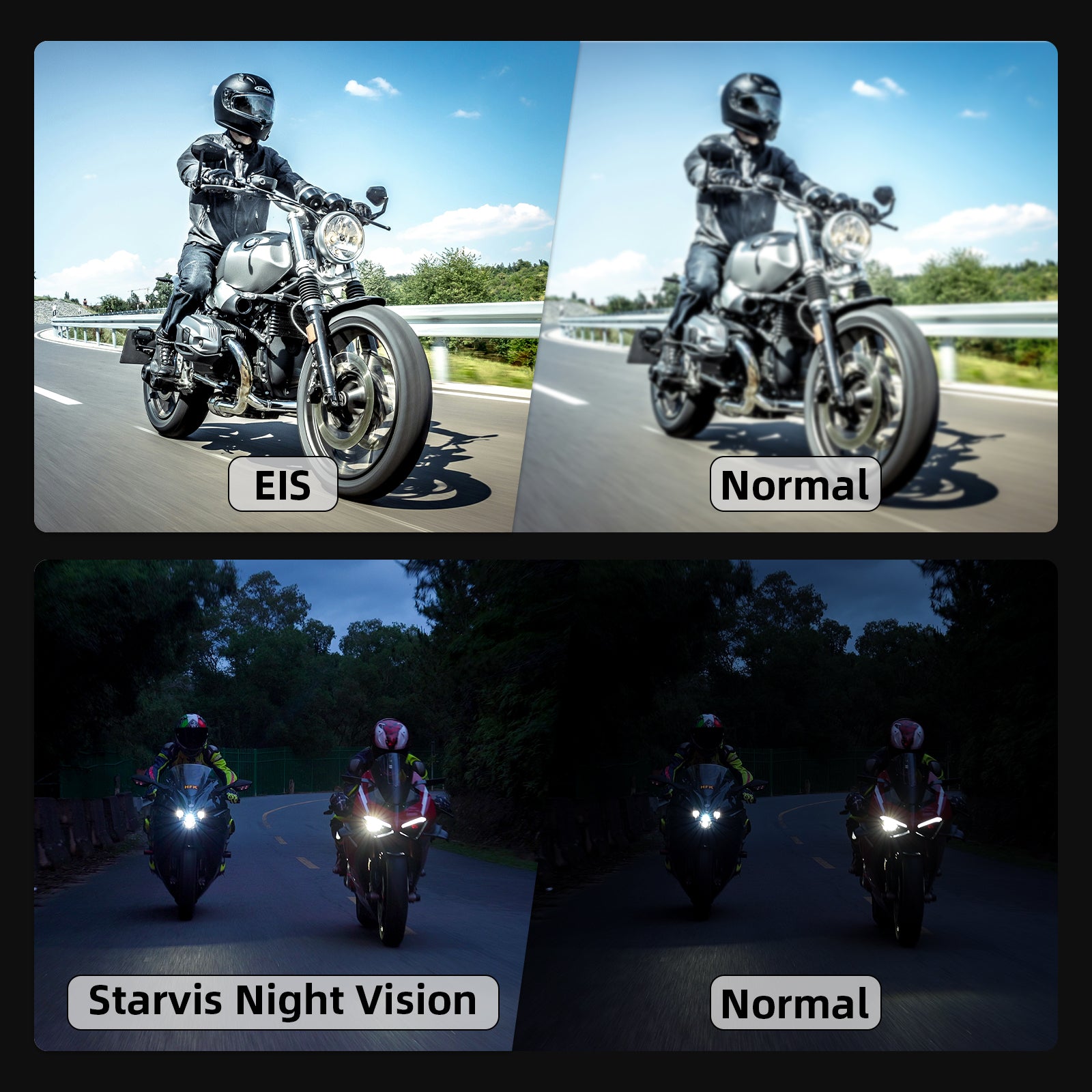
- Vision nocturne Starvis et stabilisation électronique EIS
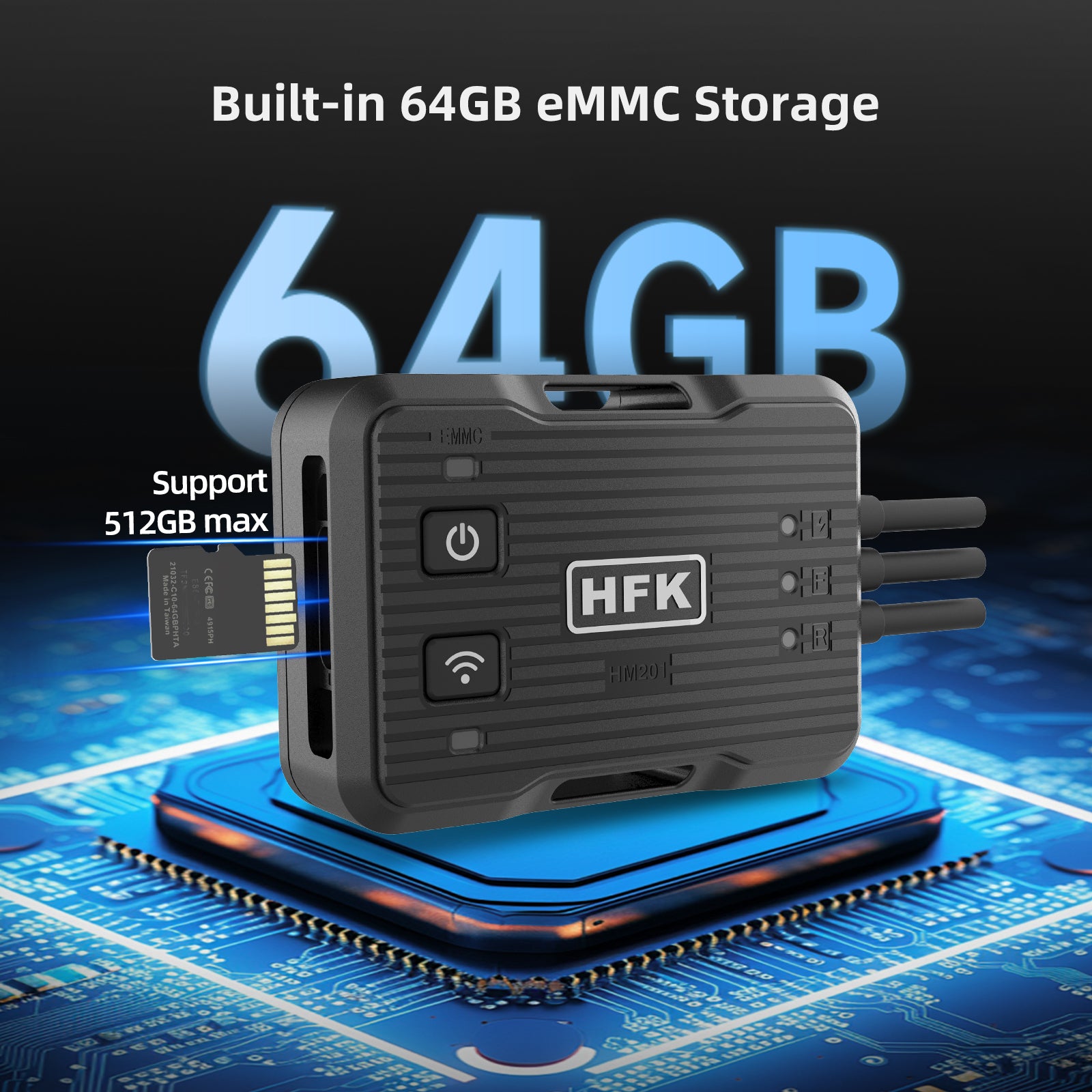
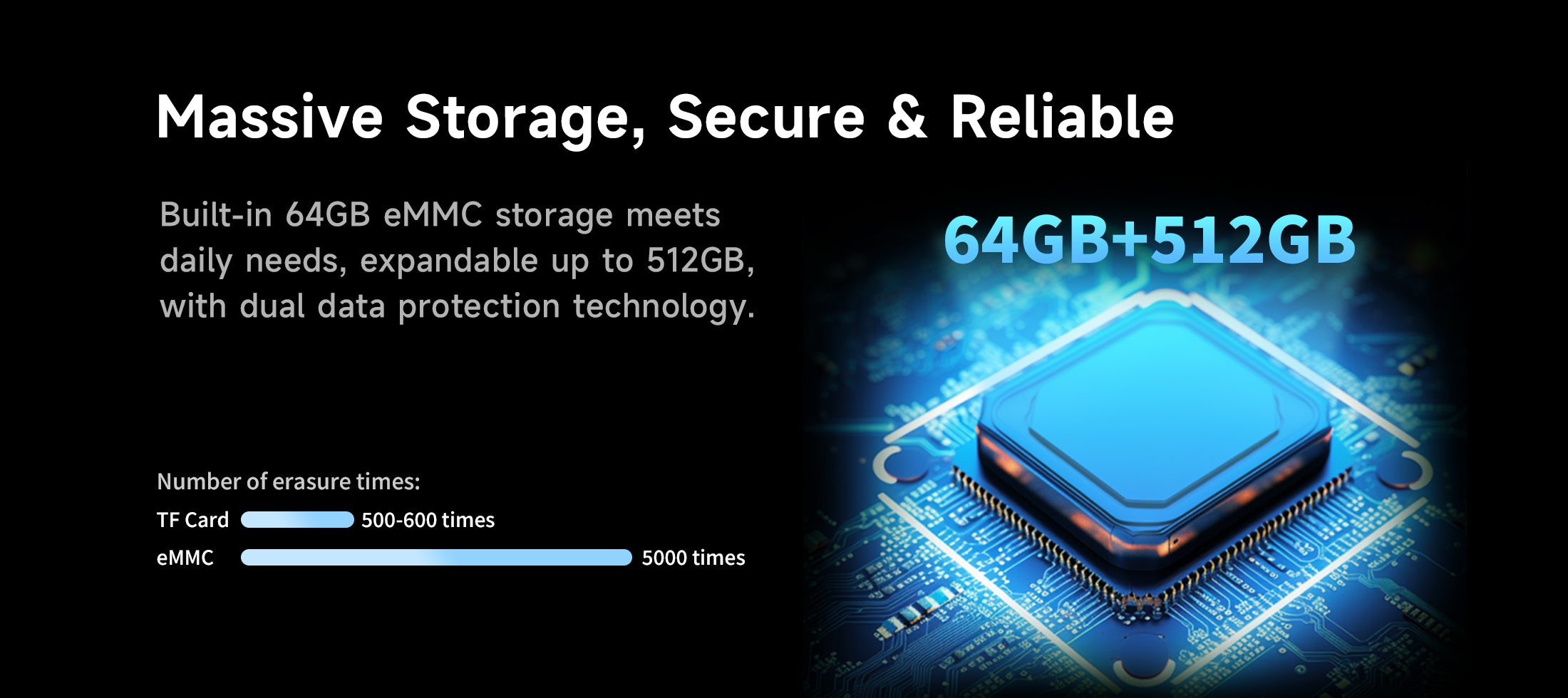
- Stockage eMMC intégré de 64 Go, prise en charge de 512 Go maximum
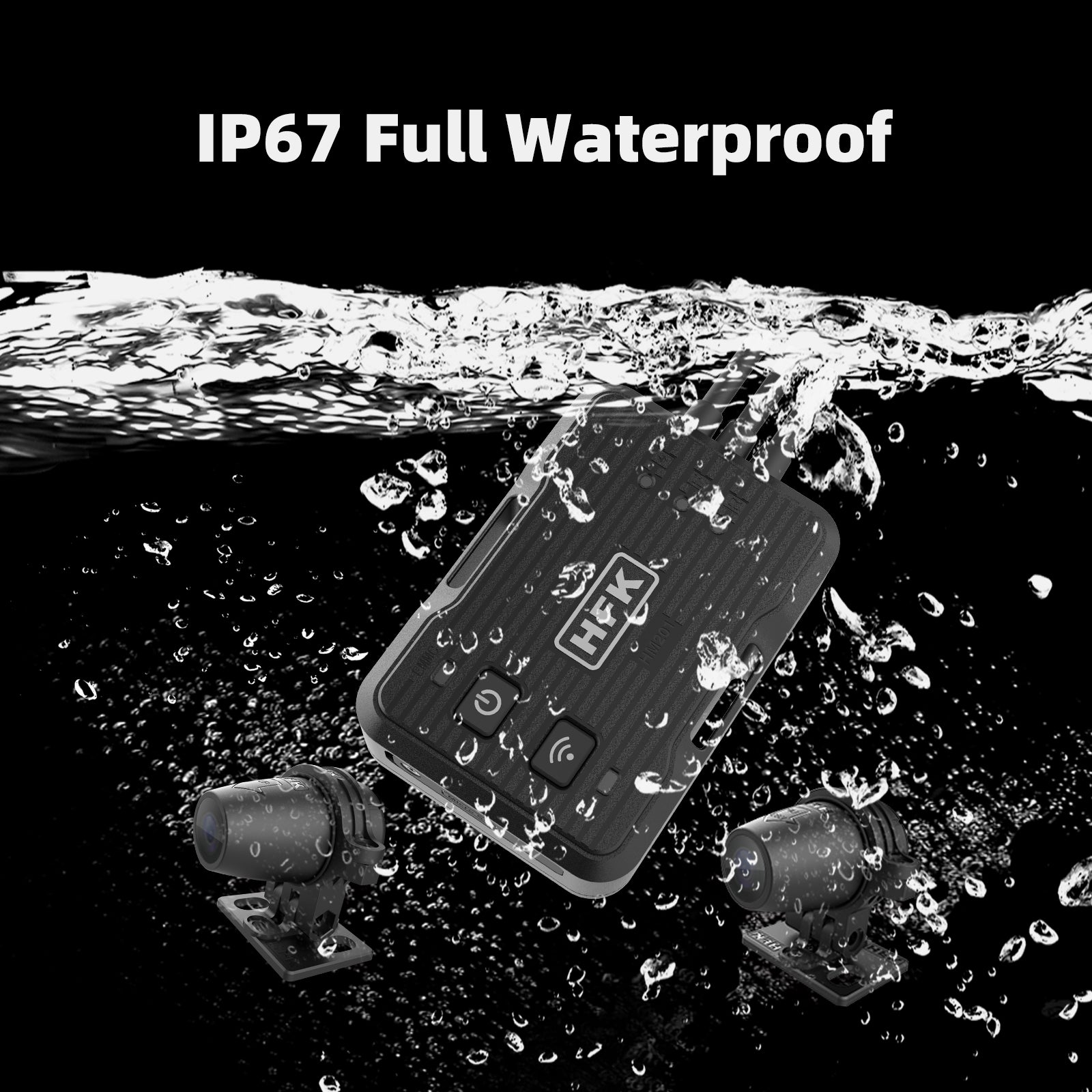
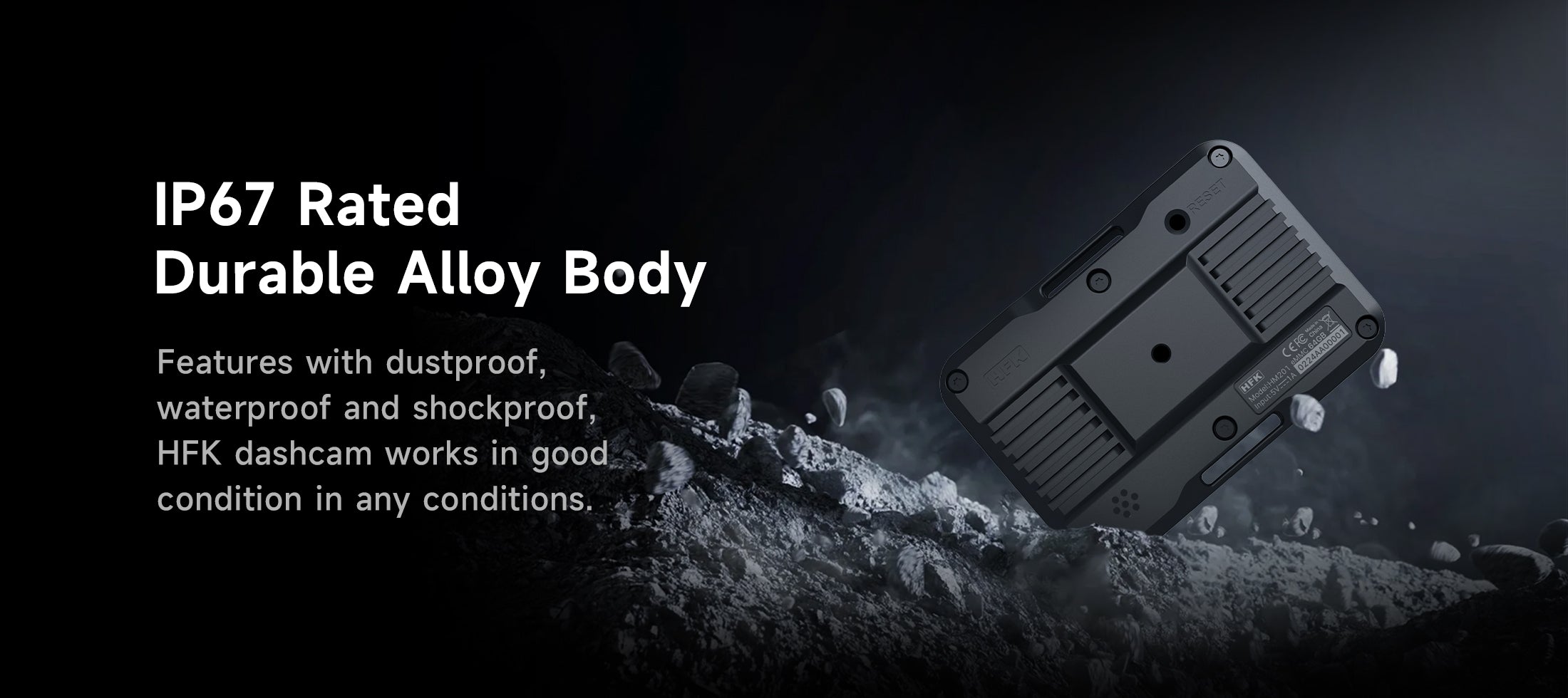
- Corps complet IP67 étanche et anti-poussière
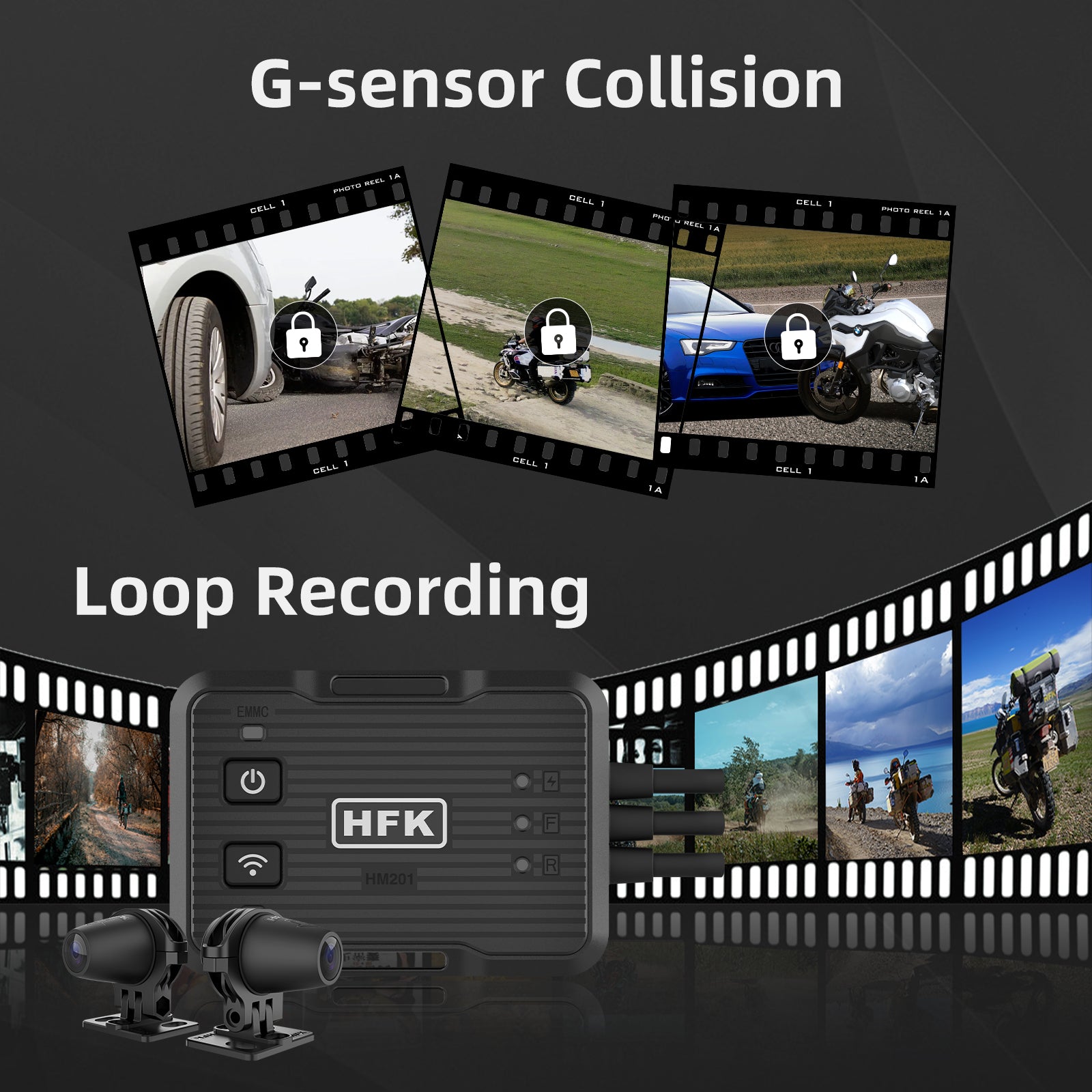
- Capteur G réglable intégré et enregistrement en boucle
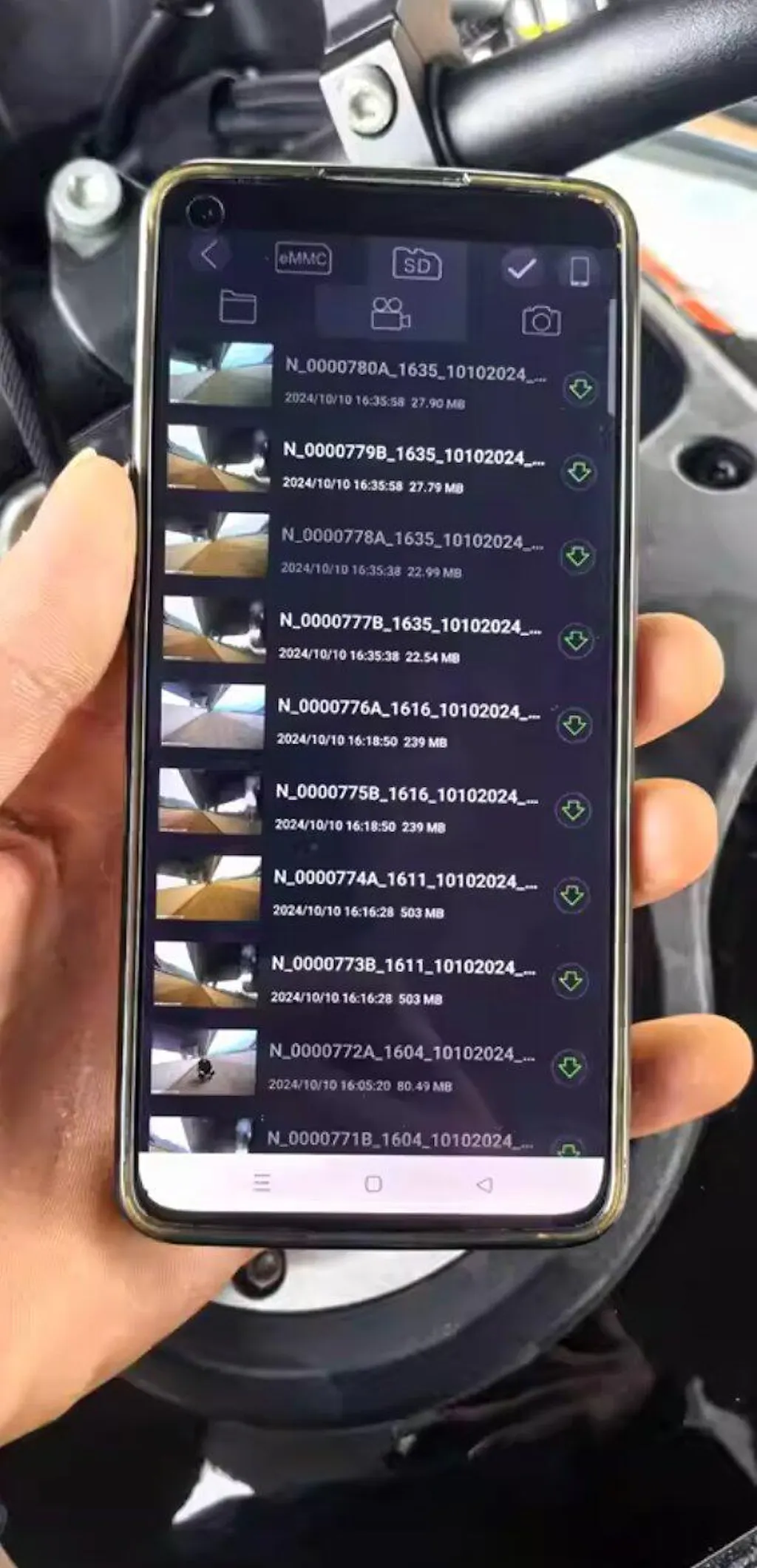
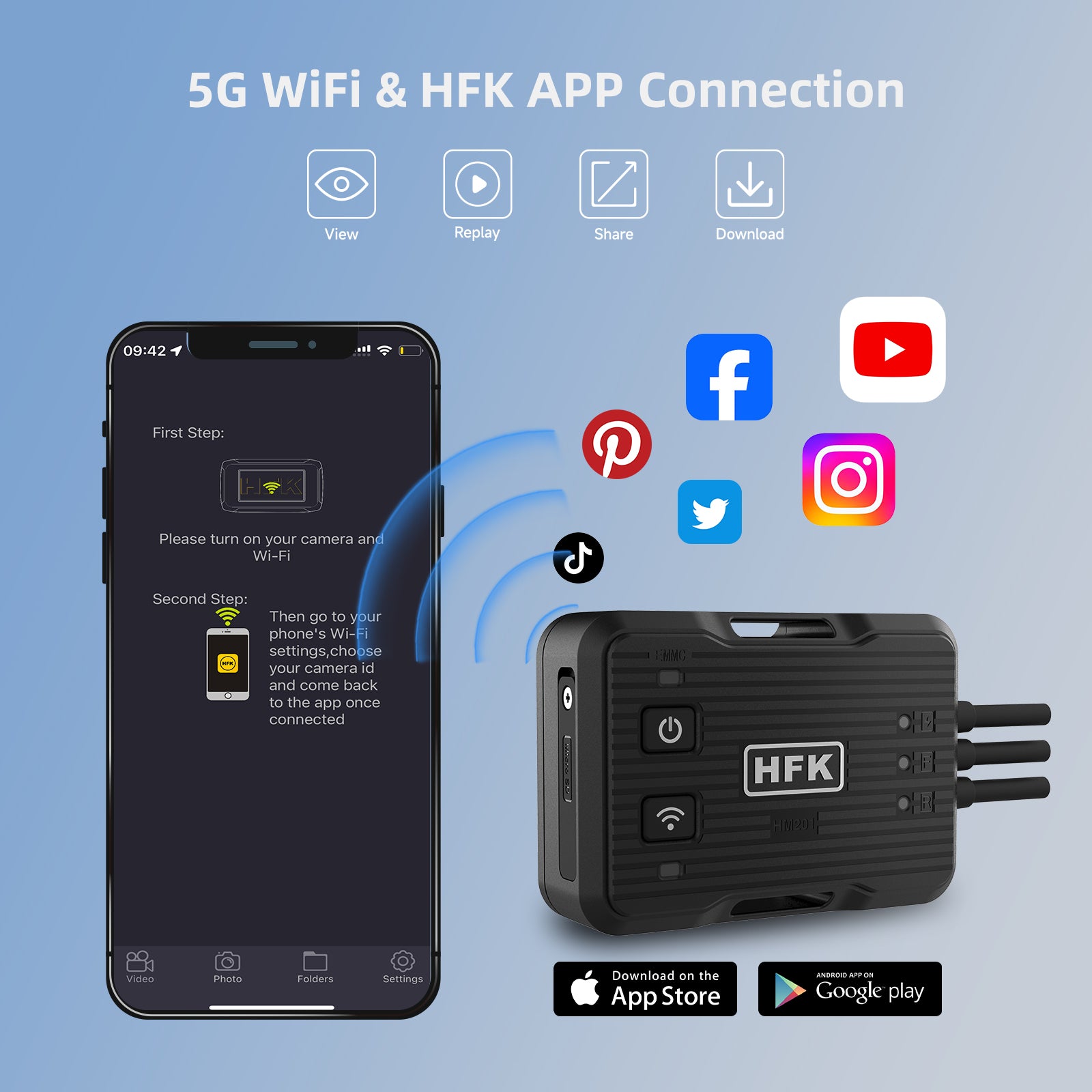
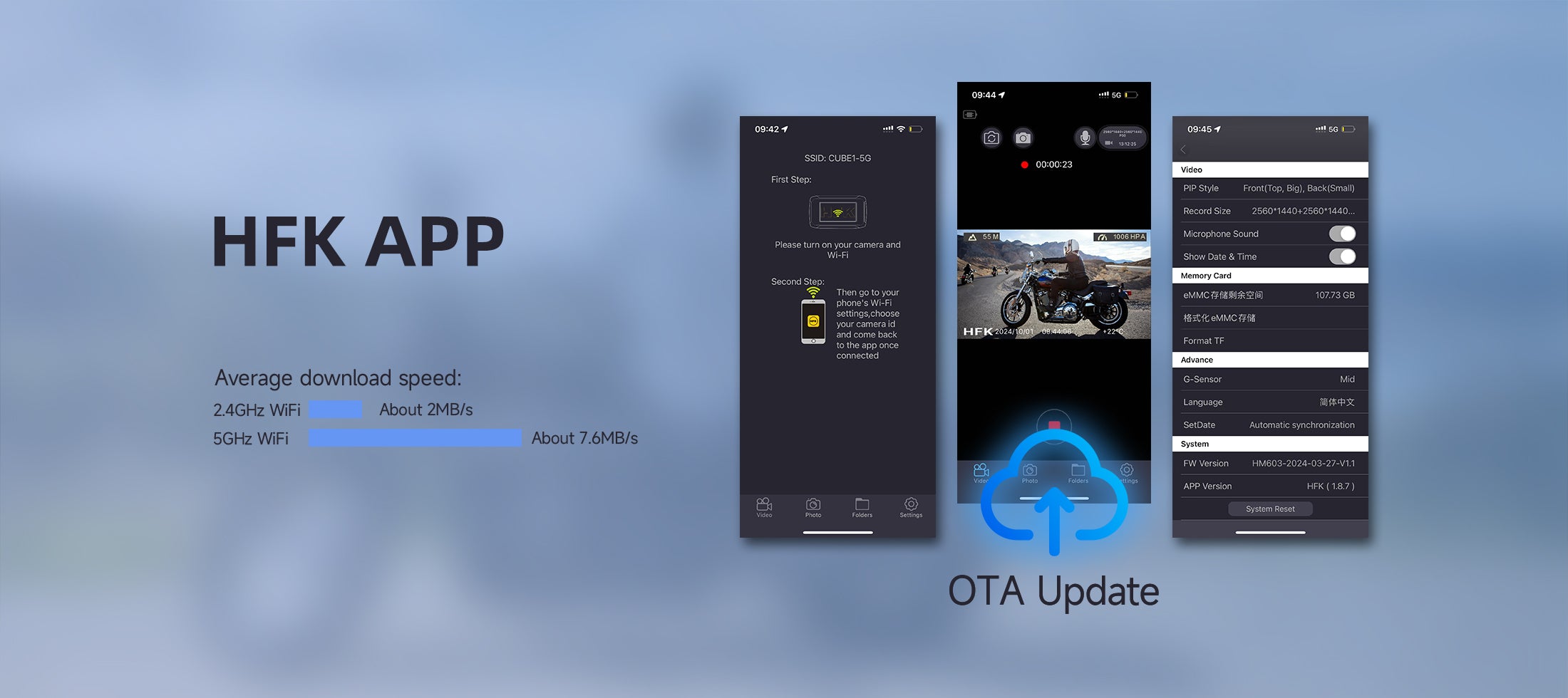
- Connexion Wi-Fi 5G et application HFK
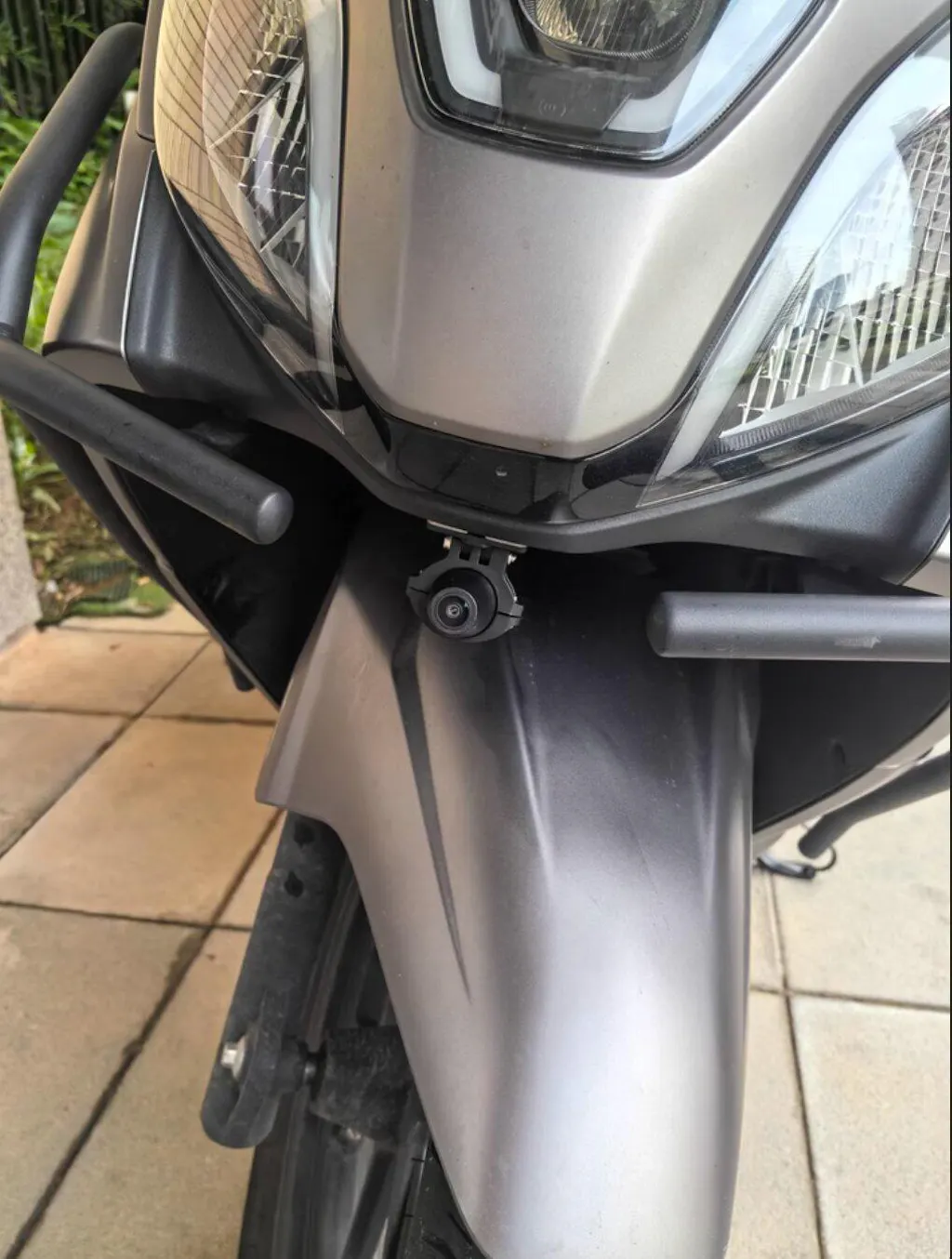
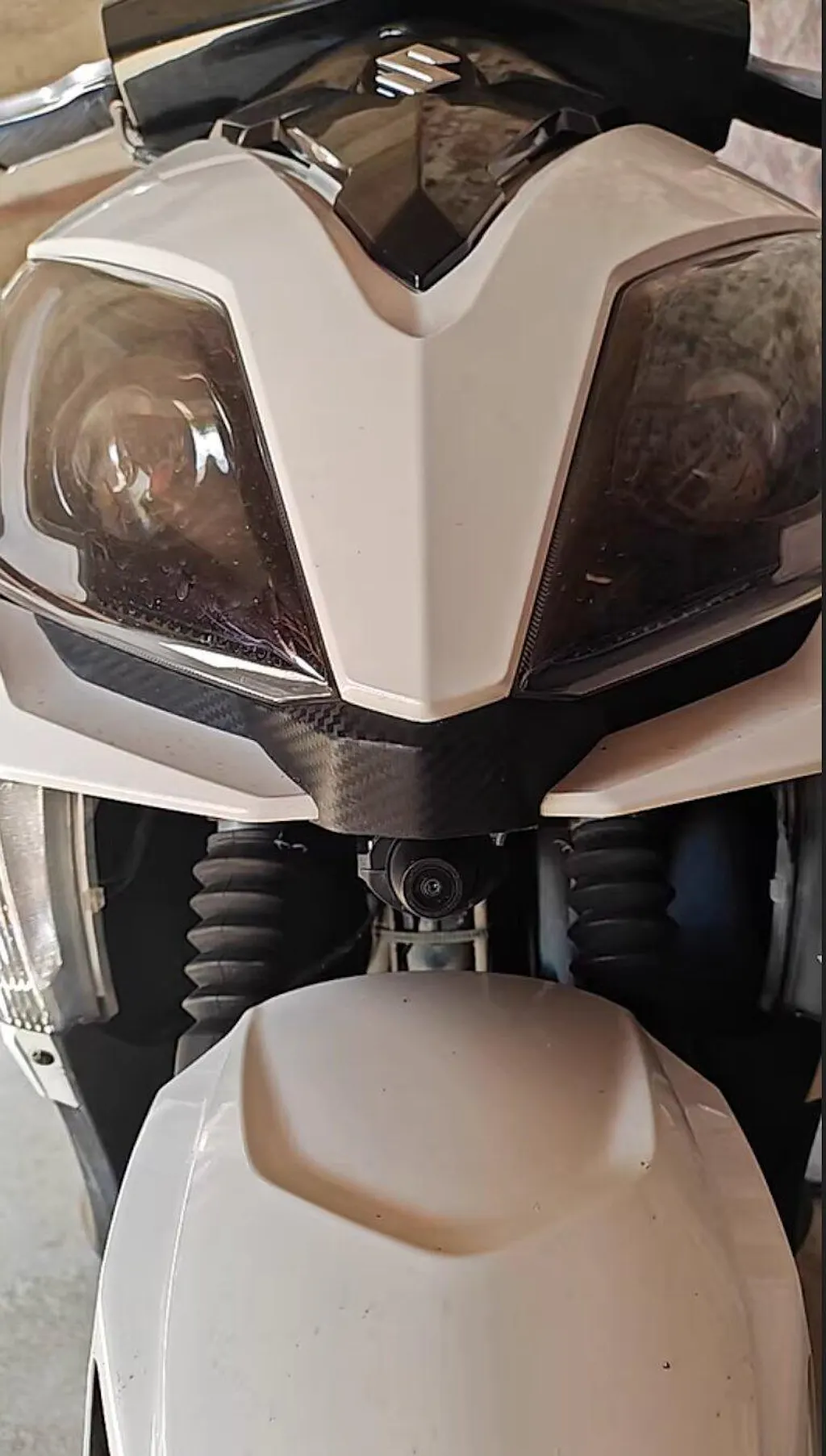
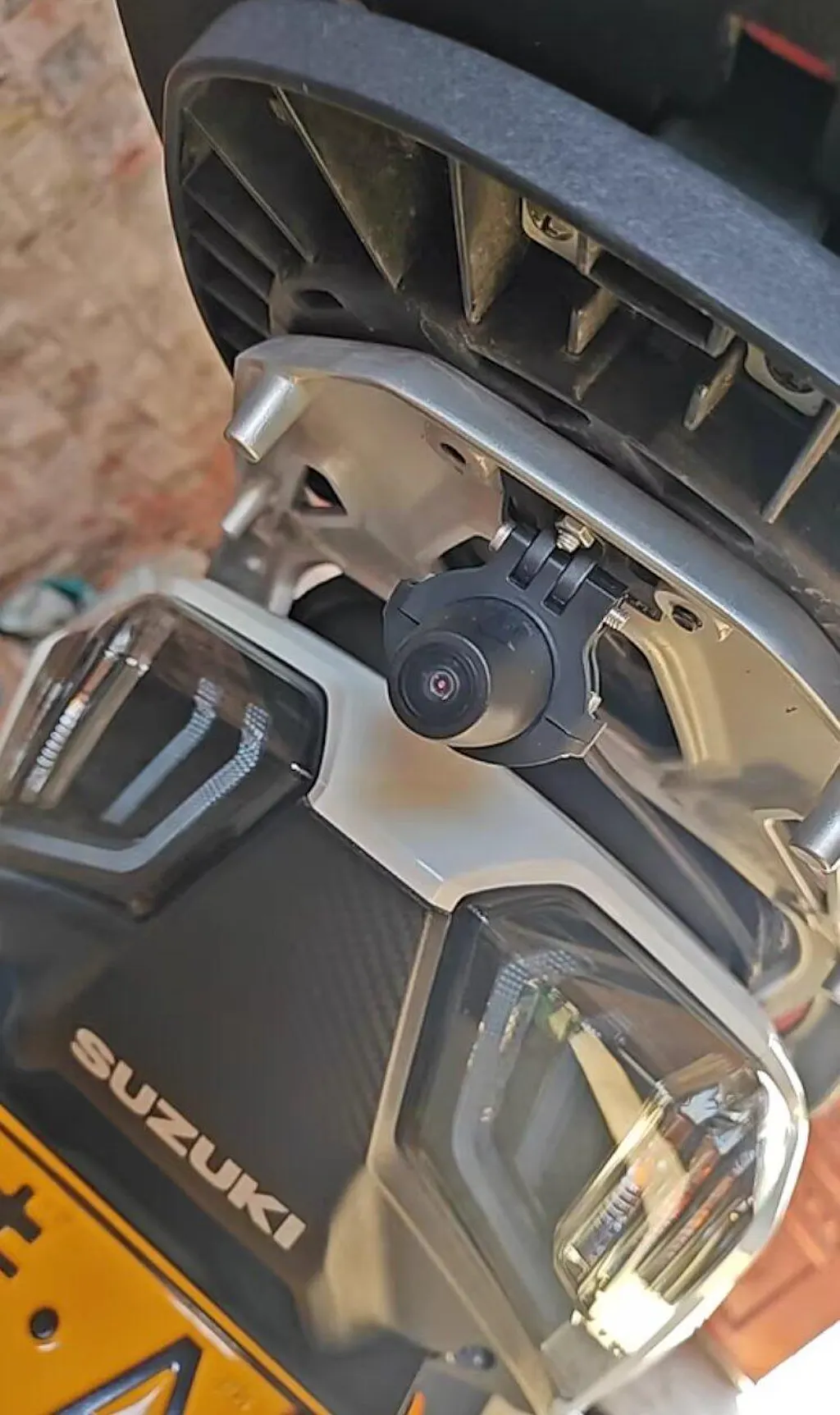
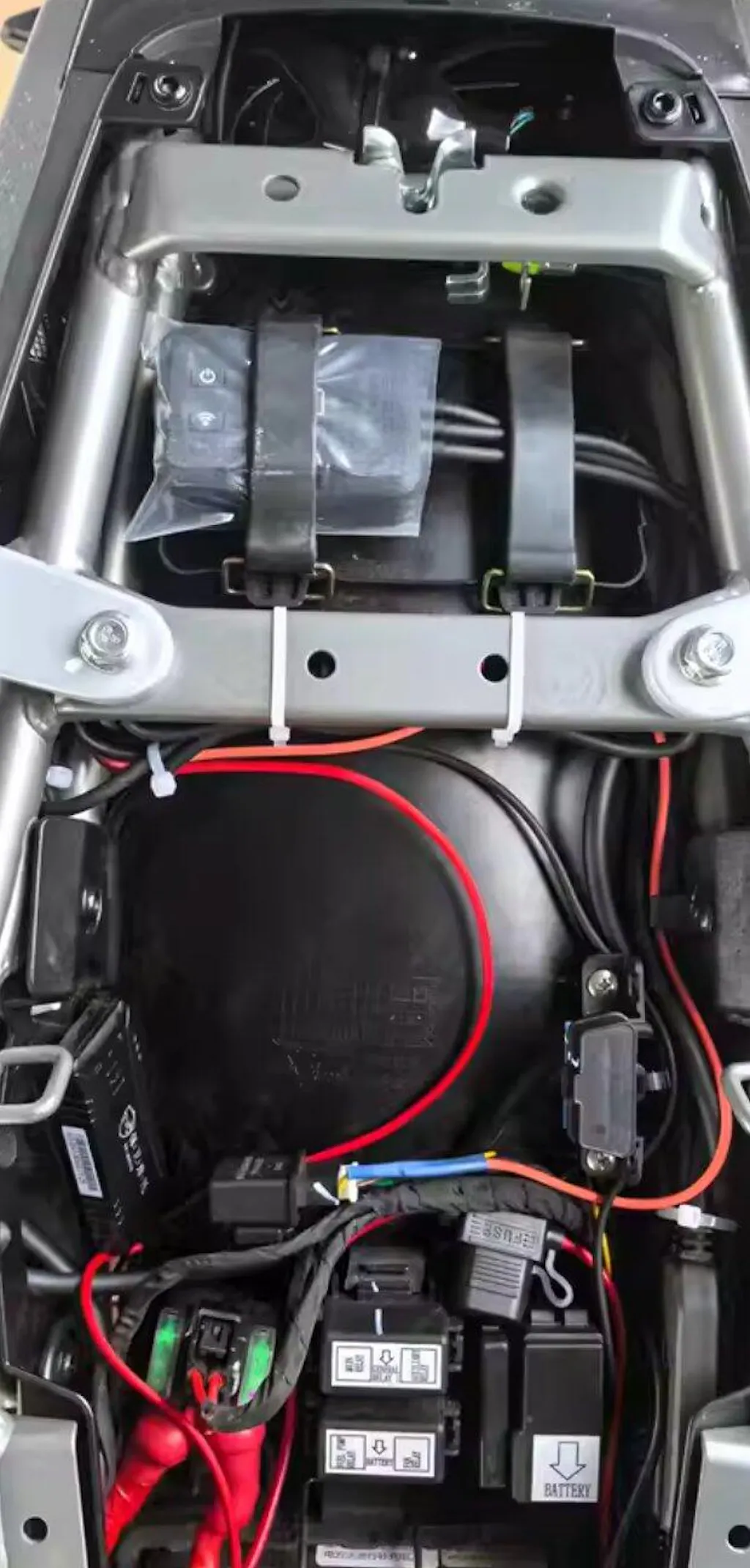
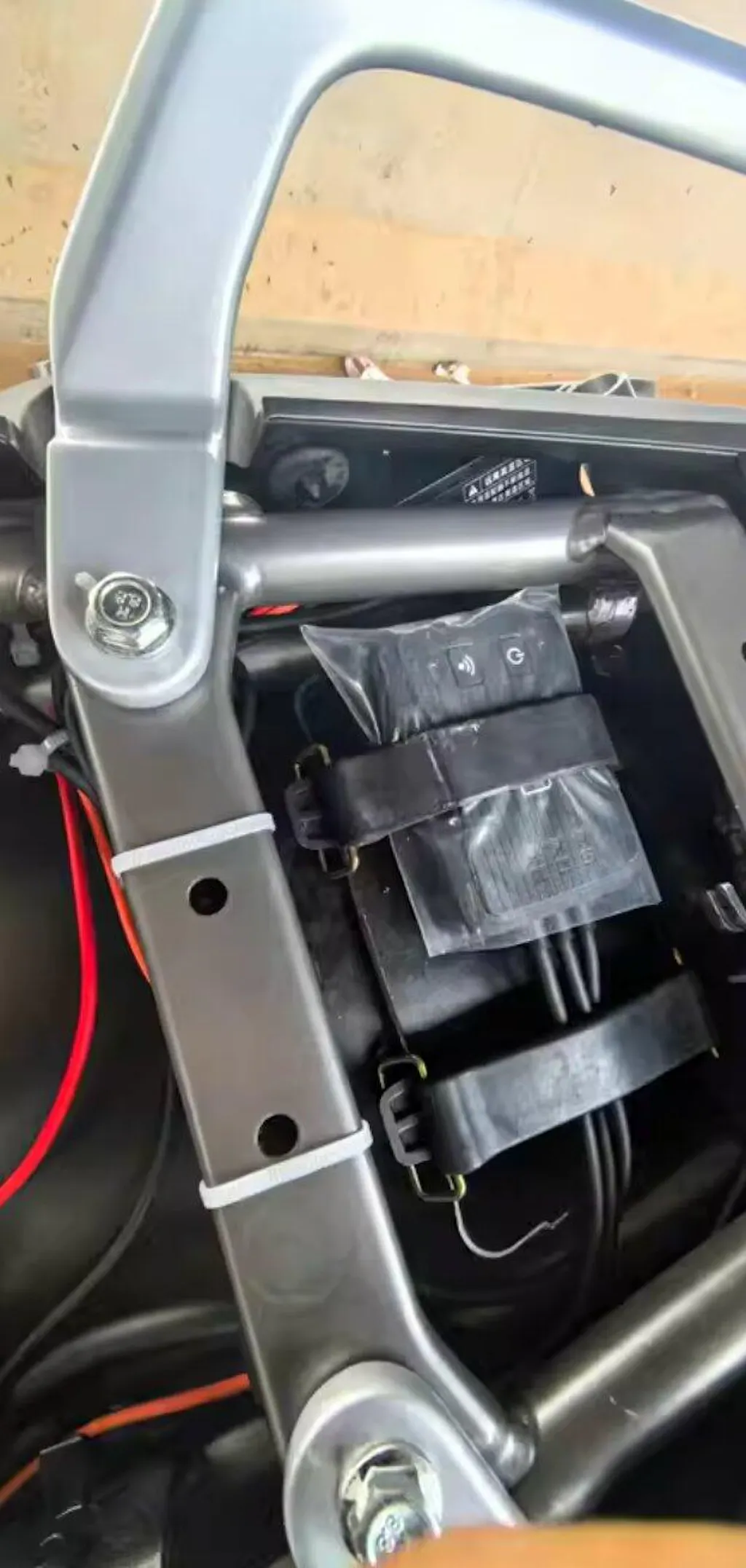
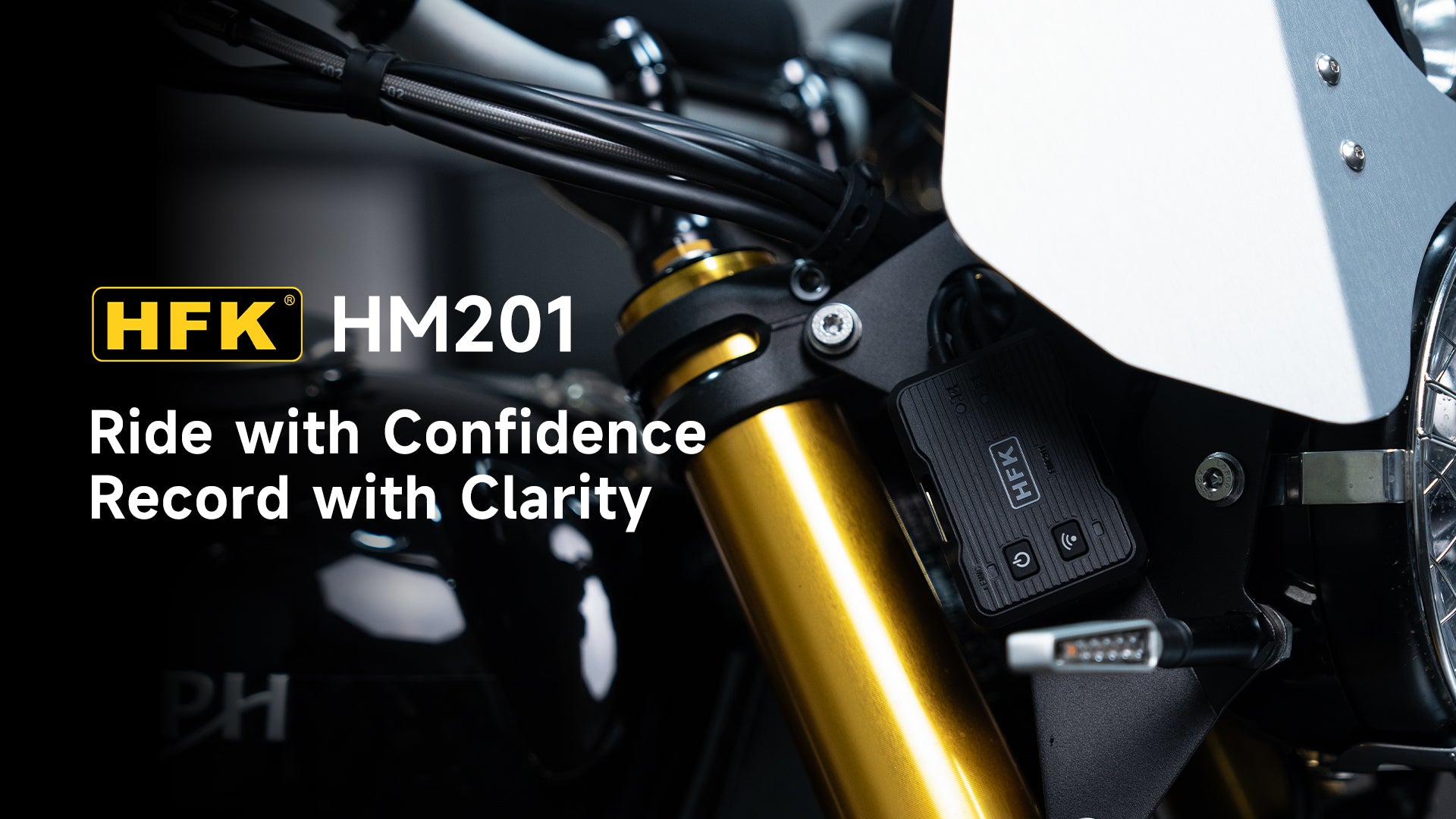
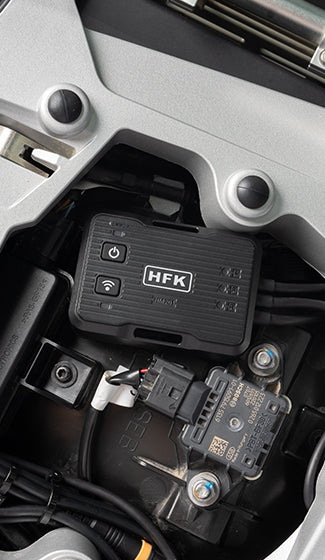
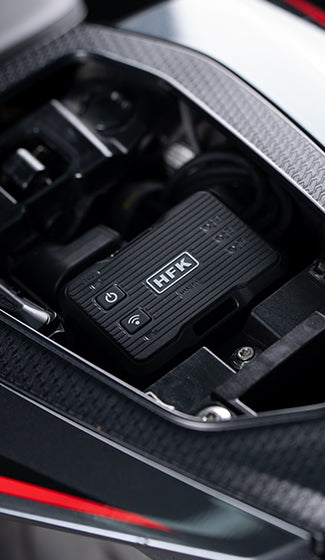
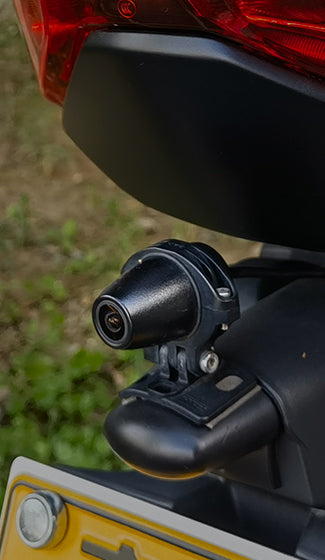
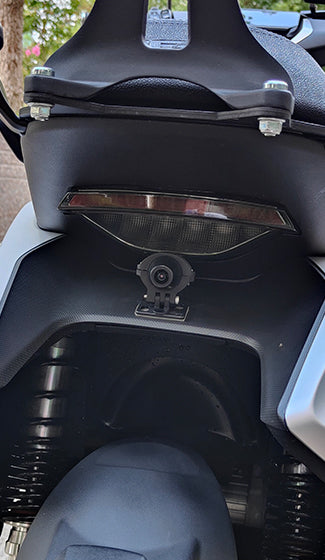
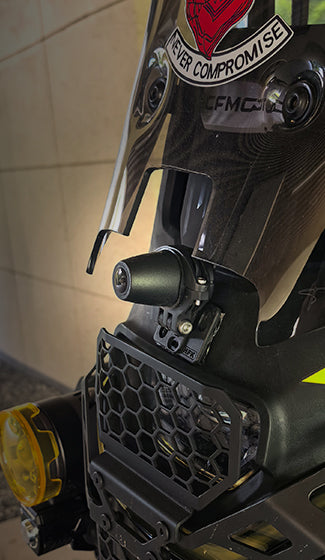
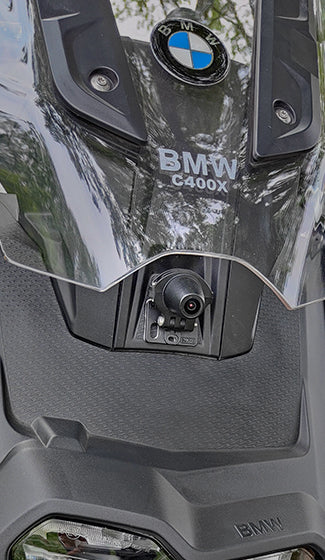
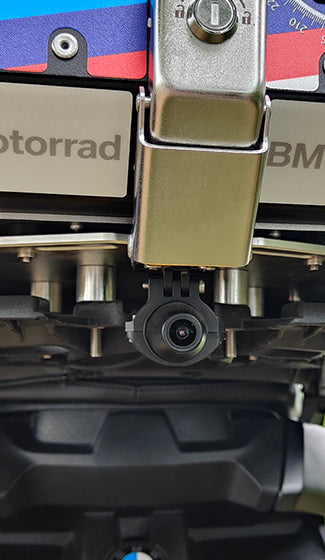
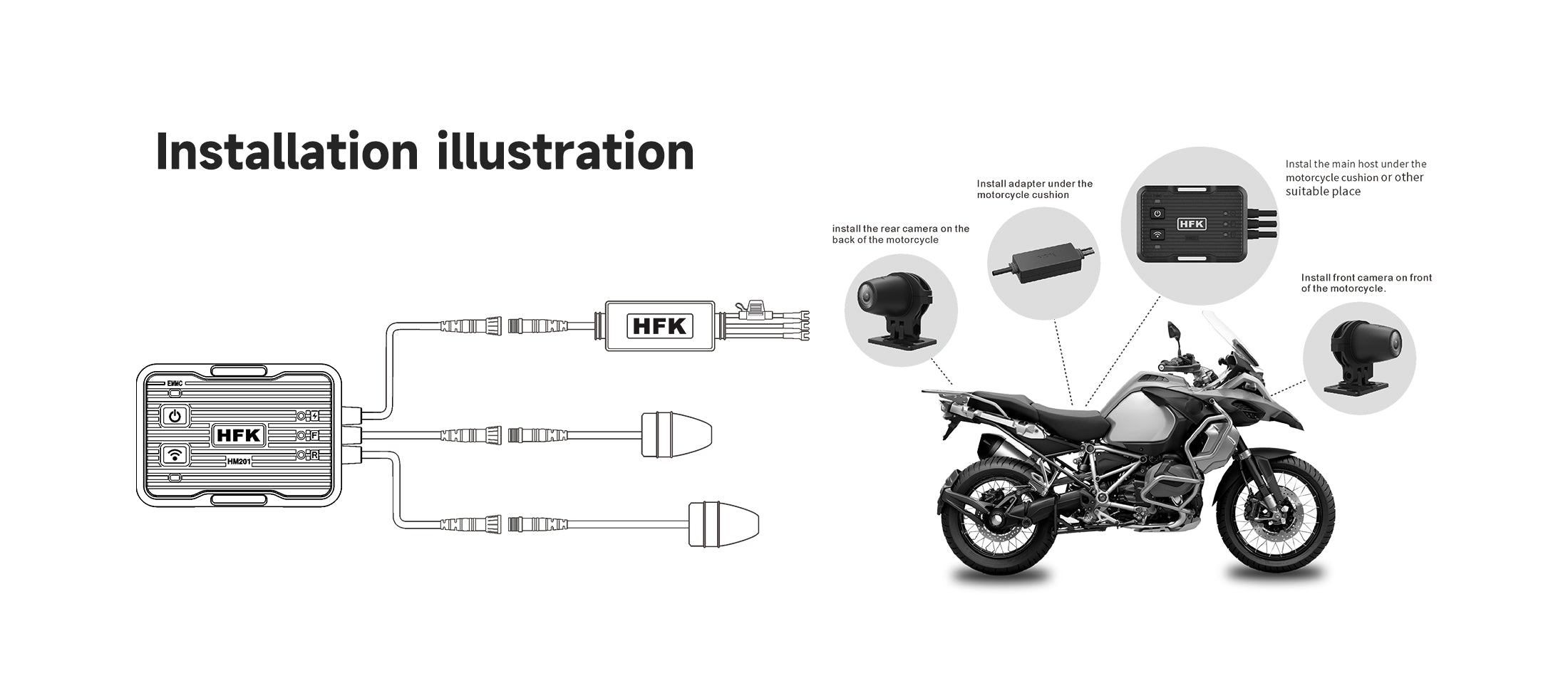
- Montage dissimulé
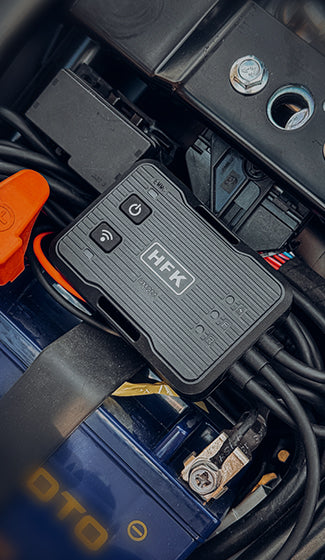
- Allumage automatique avec le démarrage des motos
- Prise en charge de la télécommande sans fil (facultatif)
Pairs well with
Caméra de tableau de bord pour moto dissimulée HFK HM201 - Caméra Full HD à double objectif avec vision nocturne
If you have any questions, you are always welcome to contact us. We'll get back to you as soon as possible, within 24 hours on weekdays.
Informations
Share contact information, store details, and brand content with your customers.
Shipping Information
Use this text to answer questions in as much detail as possible for your customers.
Service client
Use this text to answer questions in as much detail as possible for your customers.
FAQ’s
Use this text to answer questions in as much detail as possible for your customers.
Contactez-nous
Use this text to answer questions in as much detail as possible for your customers.
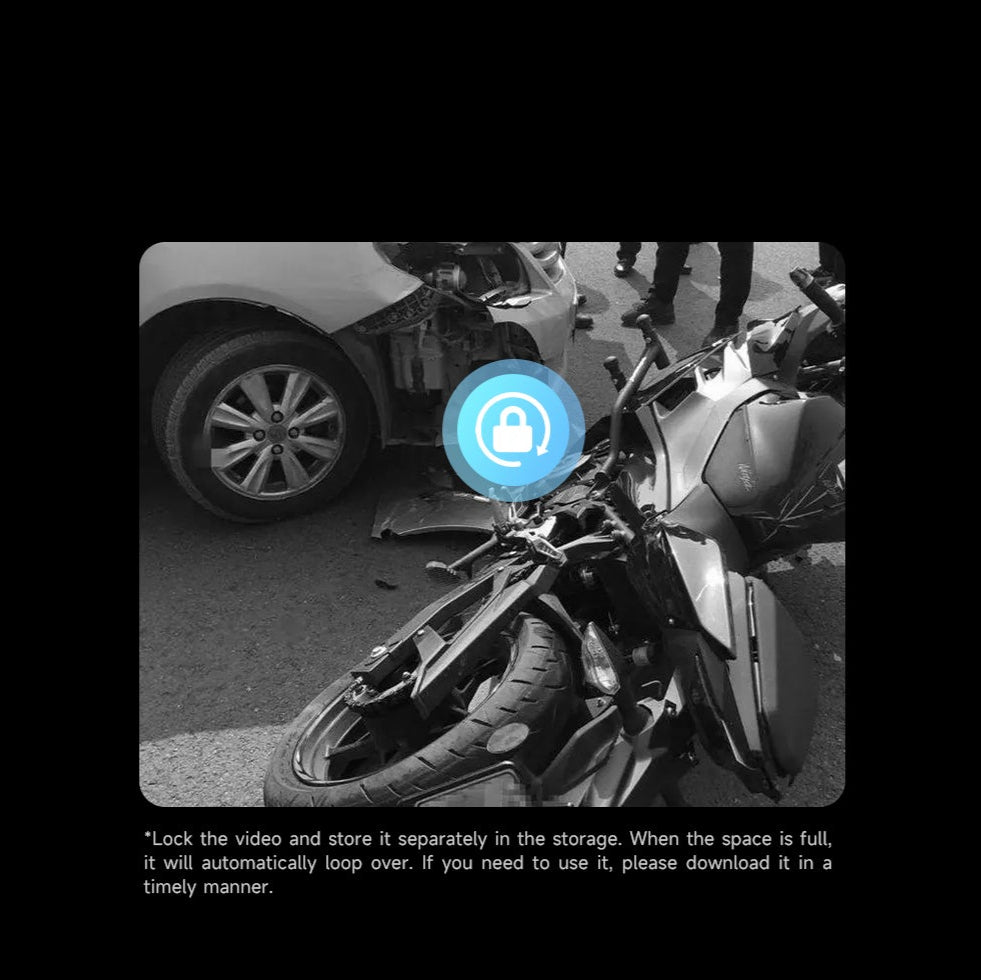
Enregistrement d'urgence avec collision
When emergency happens, the dashcam will automatically start to record and lock the video, and it won't be overwritten.
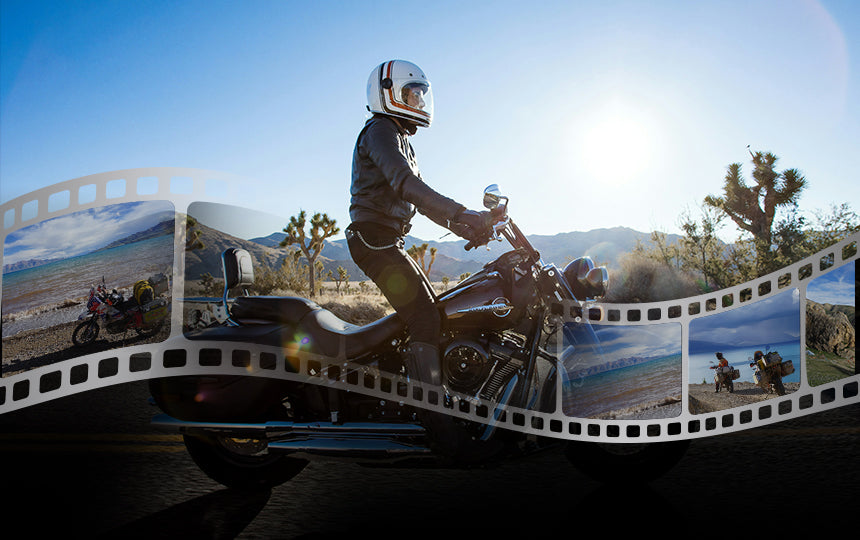
Loop Recording
With loop recording enabled, it will have the option to record videos in loops of 1/3/5 minute video files. When the memory card is full, the new video will automatically overwrite the oldest video. La vidéo verrouillée ne sera pas écrasée.
HFK dash camera built-in 64GB eMMC storage which is more stable, more erasable times, faster read&write speeds and a longer service life. Supports up to 512GB micro SD card (Not Include).
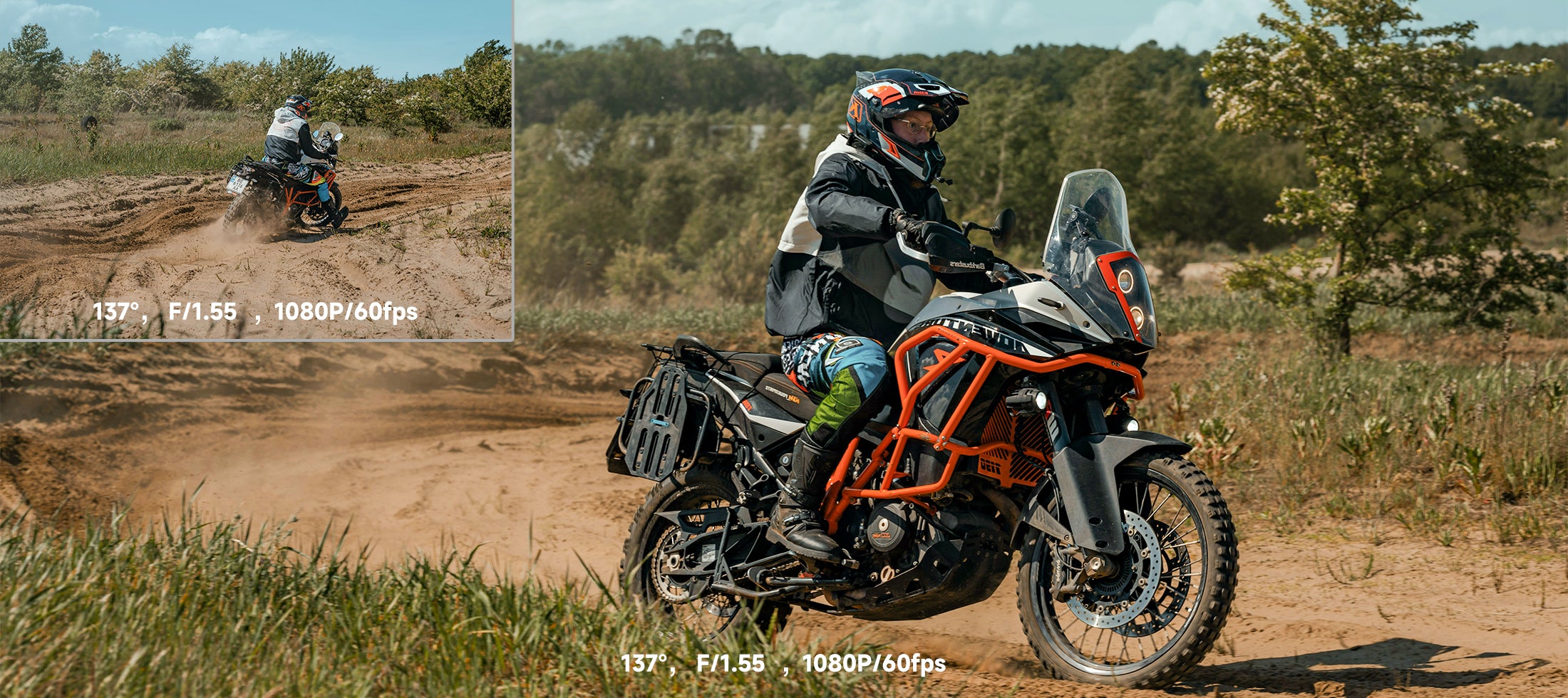
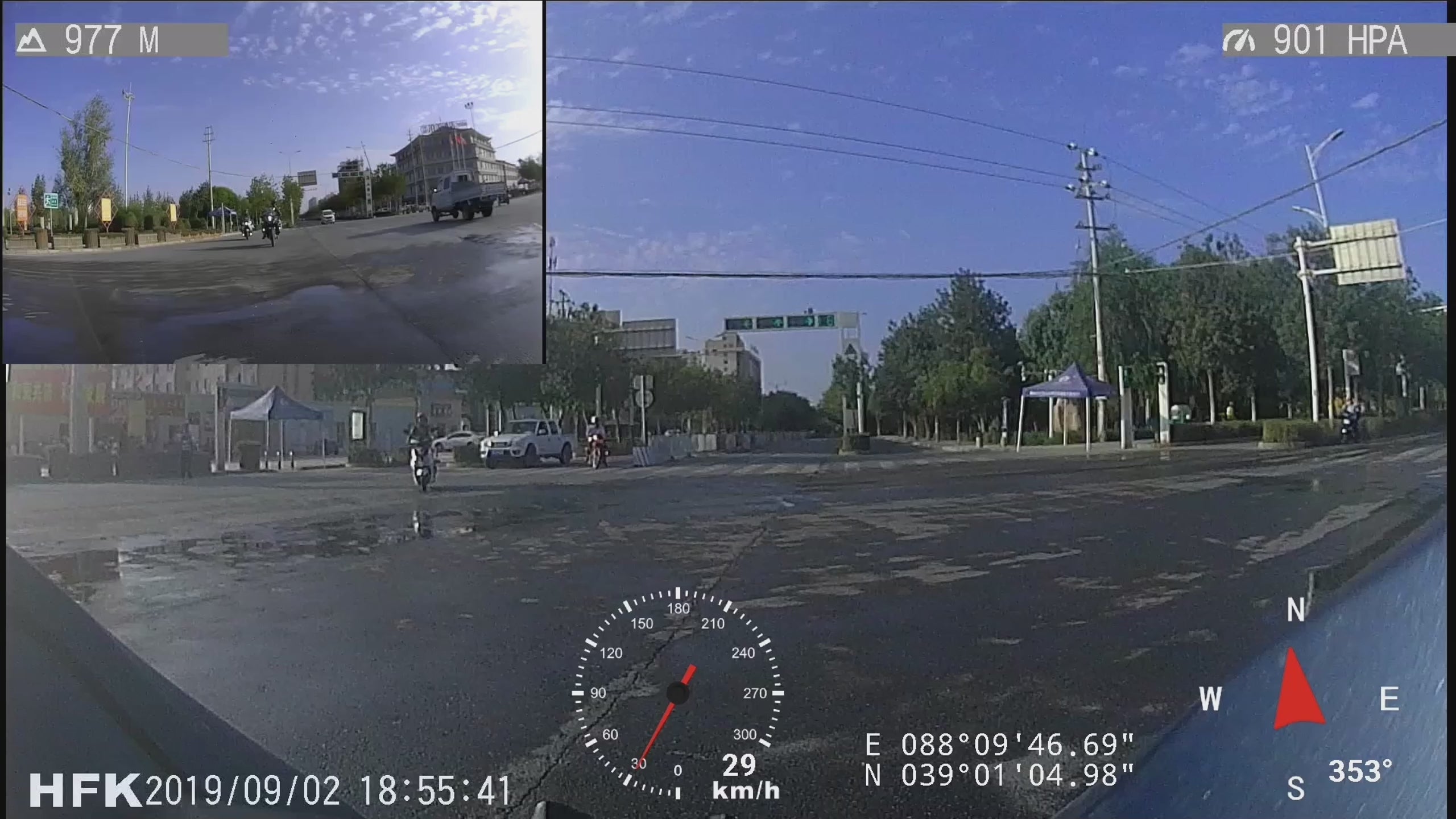
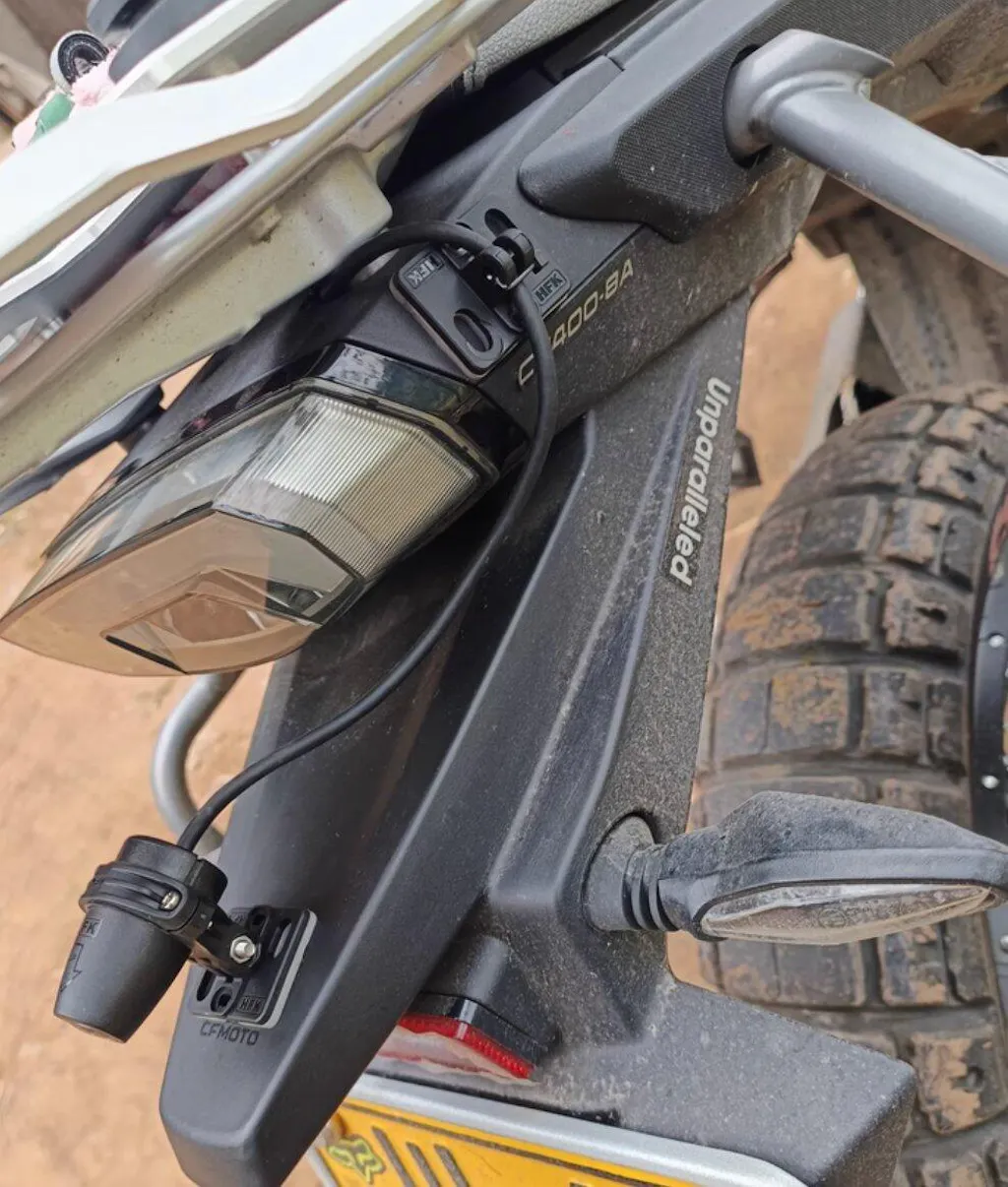
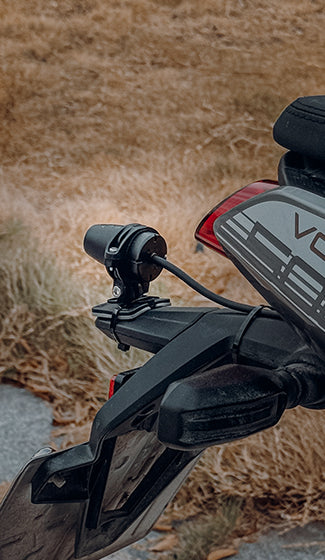
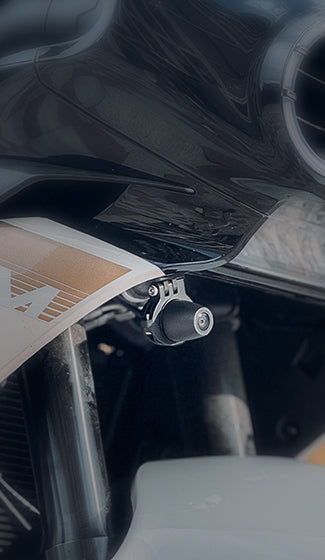
Dual 1080p Front & Rear Cameras with 137° Wide-Angle Coverage
Capturez tous les angles de votre trajet grâce aux deux têtes de caméra 1080p avant et arrière, offrant une vidéo HD nette et un large champ de vision de 137° pour une couverture complète de la route et une tranquillité d'esprit.
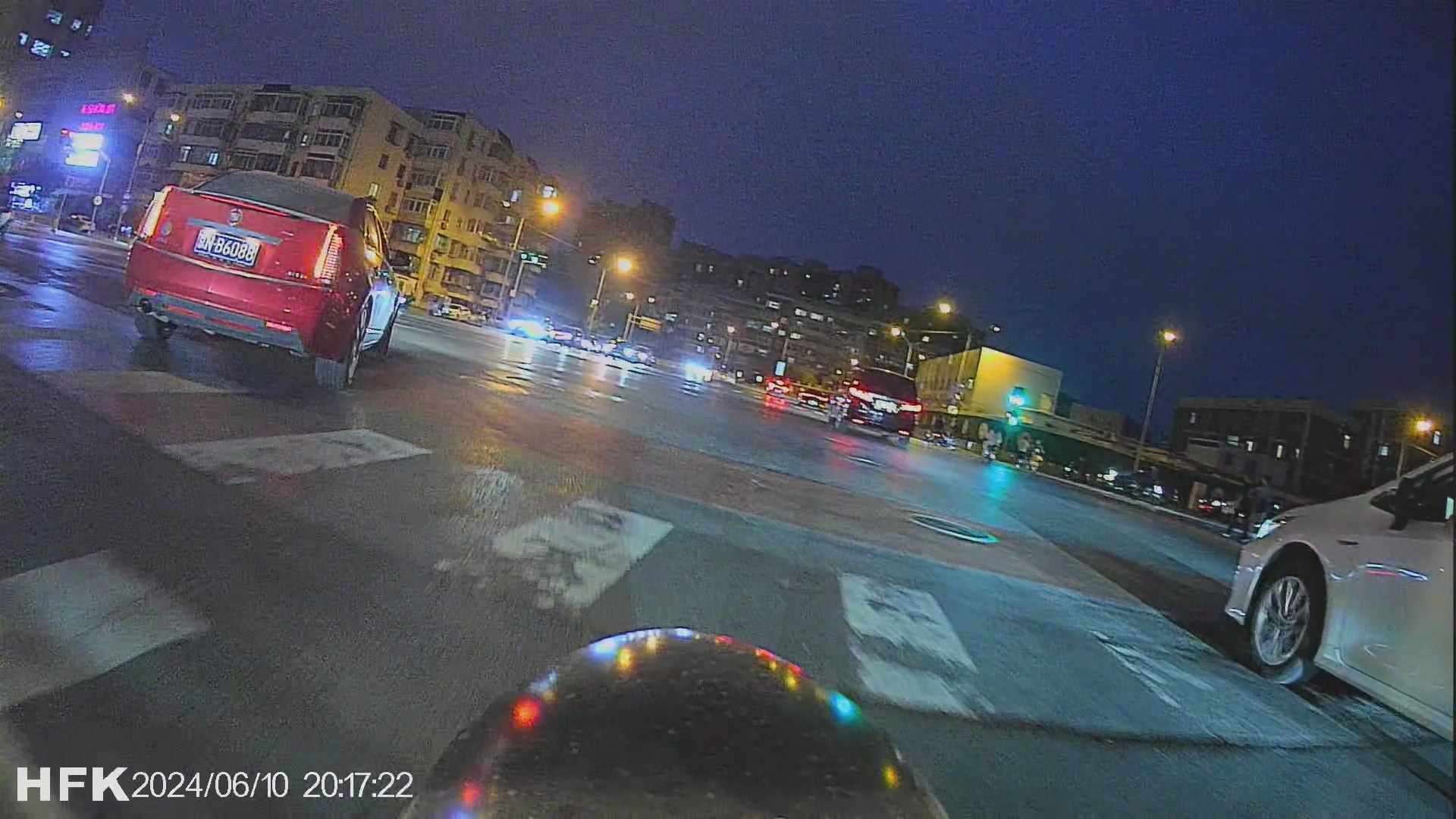
Night Vision
Capteur d'image SONY intégré, il possède d'excellentes capacités de traitement d'image dans des environnements faiblement éclairés tels que les routes la nuit, vous permettant de prendre des images claires et belles même la nuit.
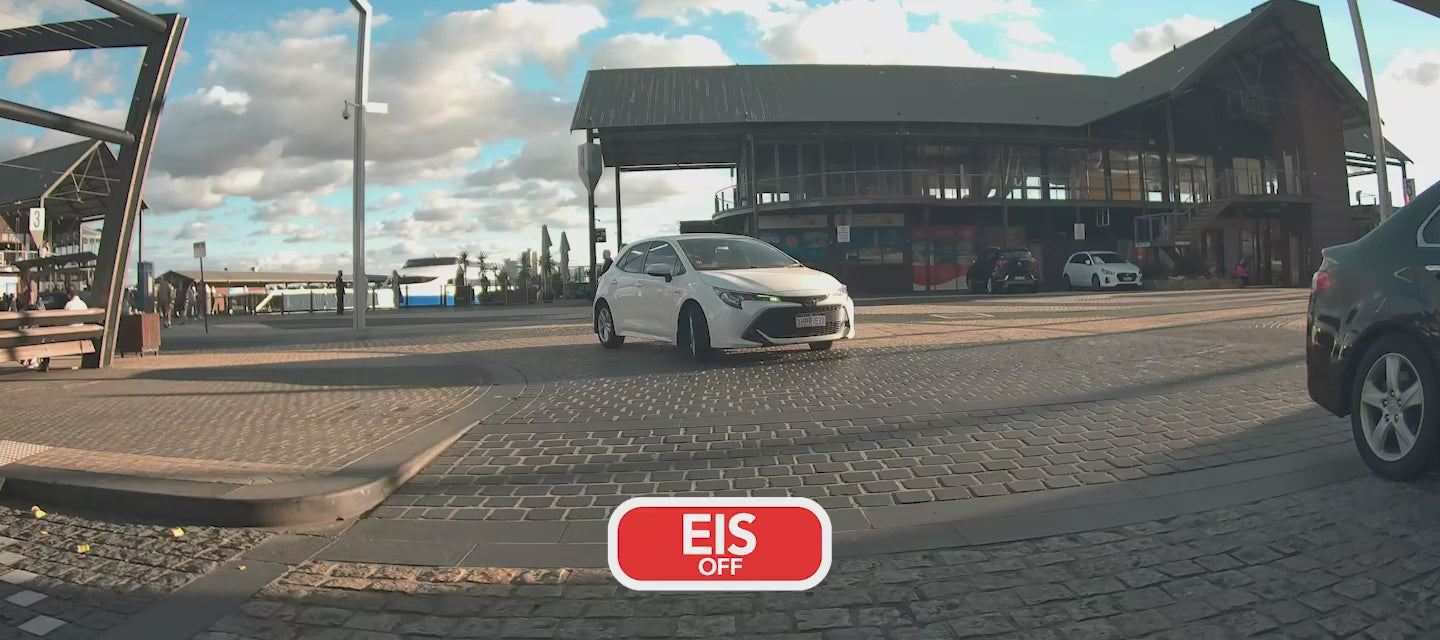
Stabilisation électronique EIS
Electronic image stabilization for more stable and clearer of video shooting.
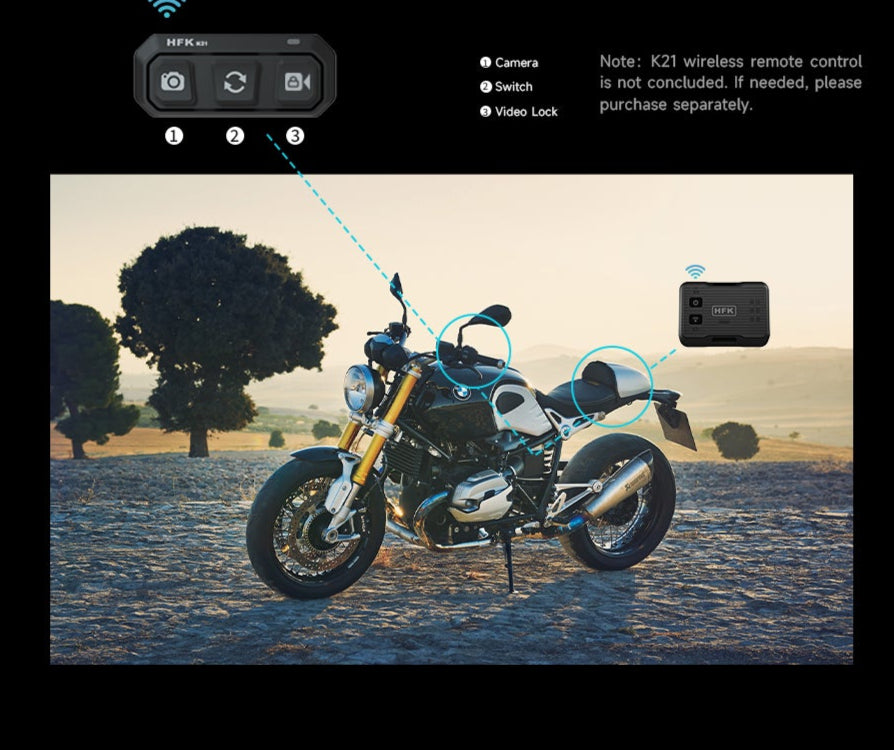
Conduite sûre, télécommande sans fil
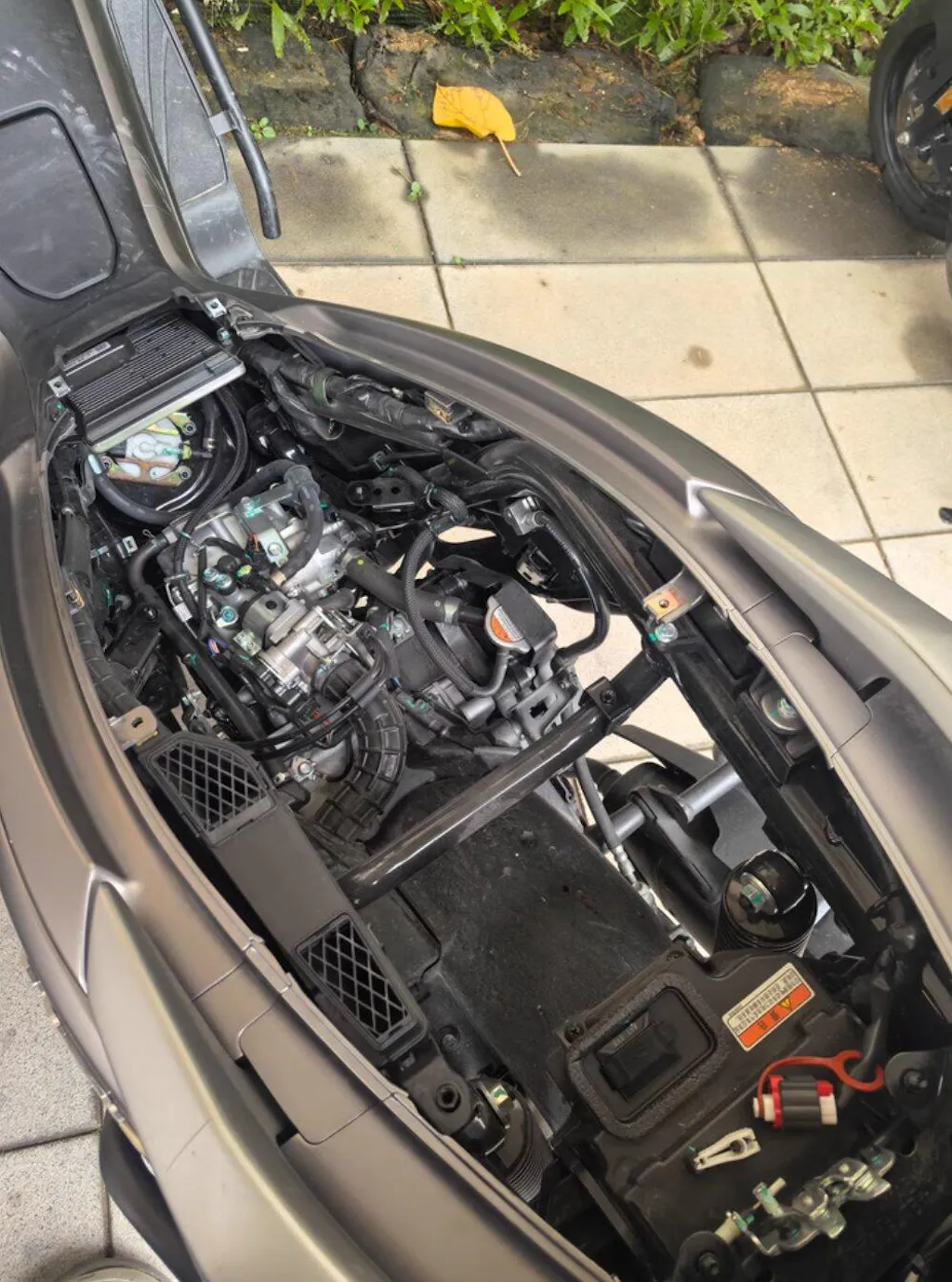
Aucune limite sur les modèles de voitures, installation cachée
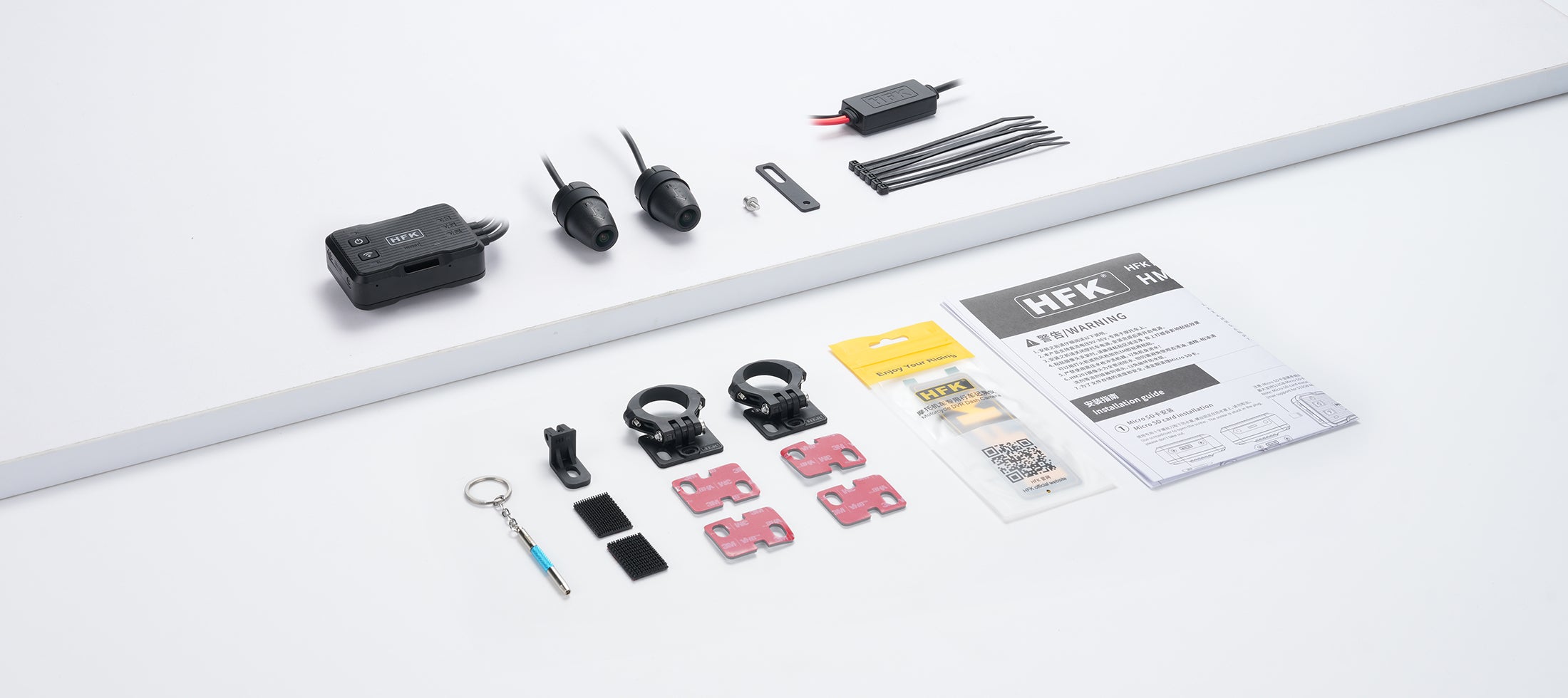
Camera button: Short press to capture current picture, each camera will take one.
Switch button: Matching with HM201. Appuyez brièvement pour que les données de l'écran de commutation de boucle et l'interface d'enregistrement soient enfoncées, appuyez longuement pour que les boucles permettant à la caméra avant/arrière soient affichées séparément ou que la fenêtre de taille de la caméra avant/arrière soit affichée.
Video lock button: Appuyez brièvement pour verrouiller la vidéo en cours.
FAQ
Please read our FAQ page to find out more.
Comment choisir une carte Micro SD adaptée ?
To ensure normal recording, please choose a genuine Micro SD card that supports up to 512GB of storage. You must use a high-speed card that meets the C10, U3 and above standards (read speed 100Mb/s, write speed 60Mb/s and above). Make sure the card is genuine to avoid abnormal recording due to counterfeit products. In addition, do not plug or unplug the Micro SD card when the system is turned on to avoid damaging the card.
Why can't the video or photo function be used normally?
First check whether the Micro SD card has been correctly inserted and format the Micro SD card if necessary. If the problem persists after formatting, reinsert the Micro SD card or replace it with a new one. If multiple attempts do not work, it is recommended to check whether the specifications of the memory card meet the C10, U3 and above standards.
What should I do if the front and rear cameras cannot display?
1.Check whether the camera cable connection is loose or damaged.
2.If only one camera does not display, try to swap the camera for testing. For example: Connect the front (F) camera to the rear (R) interface. If the rear camera still cannot display, it means that there is a problem with the camera itself and a new camera needs to be replaced.
3.If both the front (F) and rear (R) cameras cannot display, please check the cable connections thoroughly.
How to solve the problem of stripes or interference in the video?
Vérifiez le modèle de bougie d'allumage de la moto. It is recommended to use R-level resistor spark plugs to reduce electromagnetic interference.
Assurez-vous que la ligne de la caméra est lisse, évitez de plier ou d'attacher la ligne trop étroitement et assurez-vous qu'il y a un certain espace entre la ligne et la carrosserie de la voiture.
Avoid direct contact between the line and high-interference components, such as the engine or other electronic components.